

How to Launch a Vibe-Coded App: A Practical GTM Guide
A no-hype guide to turning a working AI-assisted build into a trustworthy live product, positioning it around customer value, and finding the first users.
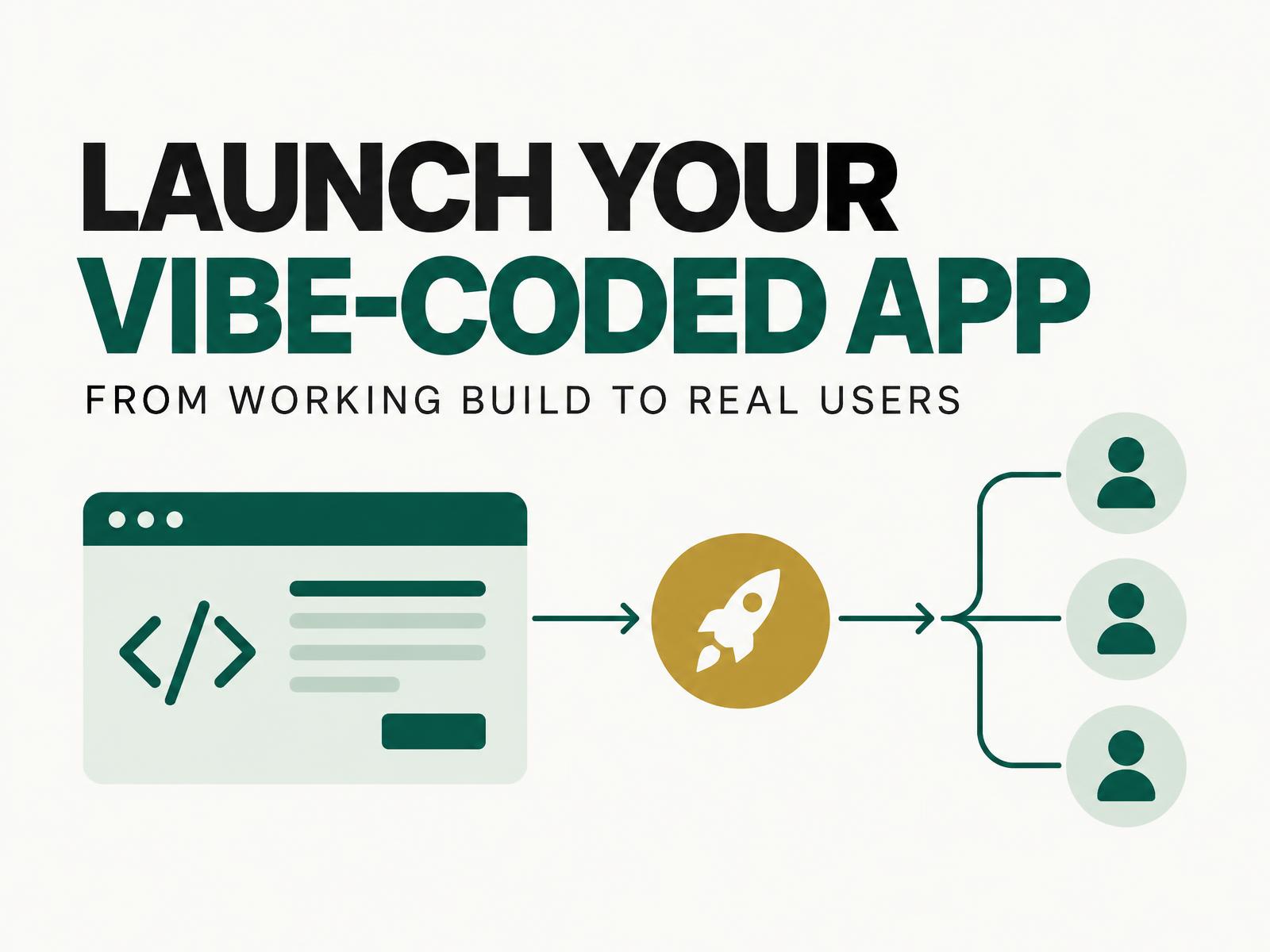
The short answer: a vibe-coded app can become a real product, but a working preview is not the finish line. Before launch, narrow the user and problem, secure the build, test the critical journey, connect a domain and analytics, then recruit a small group of design partners. Position the outcome, not the fact that AI helped write the code.
Vibe coding has made the first version dramatically easier to build. It has not removed the work of earning trust or finding users. The bottleneck simply moves from creating software to deciding what deserves to exist, making it dependable and distributing it well.
1. Validate one painful problem
Do not begin GTM with “I built an AI app.” Begin with a specific person, a recurring problem and a measurable improvement.
Talk to five potential users before polishing the product. Ask what triggers the problem, how they solve it today, what the workaround costs and what would make them switch. Then write one sentence:
For [specific user], this product helps [complete a valuable job] without [current friction].
If that sentence needs three audiences or five benefits, the launch is still too broad. Use an evidence-based ICP to decide who the first version is for and, equally important, who it is not for.
2. Turn the working build into a trustworthy product
Can a vibe-coded app be production-ready? Yes, if it passes the same checks as any other application. AI assistance changes how code is produced, not the standard users deserve.
Before going live, check:
- Access: Sign-in, permissions and private pages work for every user type.
- Secrets: API keys and private credentials live outside browser code and version history.
- Data: Inputs are validated, sensitive data is minimised, backups exist and deletion works.
- Failure: Empty, loading, denied and error states explain what happened and what to do next.
- Quality: The main journey works on mobile, keyboard navigation is usable and important text is readable.
- Operations: Analytics, error reporting and uptime checks are active before the first visitor arrives.
- Recovery: You can restore data or return to the last stable version if a release breaks.
The OWASP Top 10 is a useful security baseline, while web.dev’s Core Web Vitals guidance helps frame speed around the user experience. For higher-risk products involving payments, health, finance or sensitive customer data, arrange an experienced human review rather than relying only on the builder’s automated checks.
3. Publish a small, complete version
Choose hosting that supports the product you actually built, including its server logic, database and scheduled jobs. Connect a stable domain, enforce HTTPS and test the live version rather than assuming the preview behaves identically.
Your first public version does not need every planned feature. It does need one complete journey: a visitor understands the promise, signs up, reaches value, knows what happens next and can get help. A smaller reliable product earns more trust than a larger unfinished one.
For a broader cross-functional launch, use the R-E-A-D-Y product launch checklist. For this lean release, focus on the few conditions that would make a stranger stop using the product immediately.
4. Position the outcome, not the build method
“Built with AI” describes your production process. It rarely explains why a customer should care.
Lead with the painful job, the useful outcome and the evidence. A buyer may appreciate faster iteration, but they purchase saved time, reduced risk, more revenue or a better experience. Your landing page should answer four questions quickly:
- Who is this for?
- What costly problem does it solve?
- What changes after using it?
- Why should I trust this product now?
This is where the modern T-shaped AI generalist has an advantage: the same person can hear the customer, sharpen the positioning and improve the product without waiting for three separate queues.
5. Find the first users manually
The first ten users are usually recruited, not acquired at scale. Invite a small design-partner group from customer interviews, trusted professional networks and communities where the problem is already discussed.
Use a simple message: what you observed, what you built, why you think it may help them and the specific feedback you need. Avoid a mass announcement before onboarding and support can survive real use.
Turn early conversations into distribution assets:
- the exact language users use to describe the problem
- a short demonstration of the outcome
- a credible before-and-after result
- objections that deserve a product or positioning change
- a customer quote, with permission
Then expand through relevant communities, direct outreach, product-led articles, partner audiences and launch platforms. Channels amplify evidence; they do not replace it.
6. Measure progress beyond launch-day traffic
Track a short path from attention to retained value:
Qualified visit → sign-up → first value → return use → conversation or payment
Choose one activation event that proves the user completed the core job. Review where people stop, speak to them and fix the largest source of friction. A traffic spike with no activation is not traction. Five users who return, recommend the product or pay can teach you far more.
The 12-stage GTM operating system becomes useful as the motion grows. At the beginning, the principle is simpler: ship safely, learn directly and earn the right to scale.
The real shift from vibe to market
Vibe coding compresses the distance between an idea and a working build. It does not compress customer trust, security or distribution to the same degree.
Treat the prototype as the start of the product conversation. Make one journey dependable, give one audience a clear reason to care, and learn from a handful of real users before chasing reach. That is how a fast build becomes a credible business.