

Build Your First App Without Coding: 7 Steps
A 7-step, no-code process to build and launch your first app with Lovable, Supabase, Claude Code and more, including timelines, costs and mistakes to avoid.
The short answer
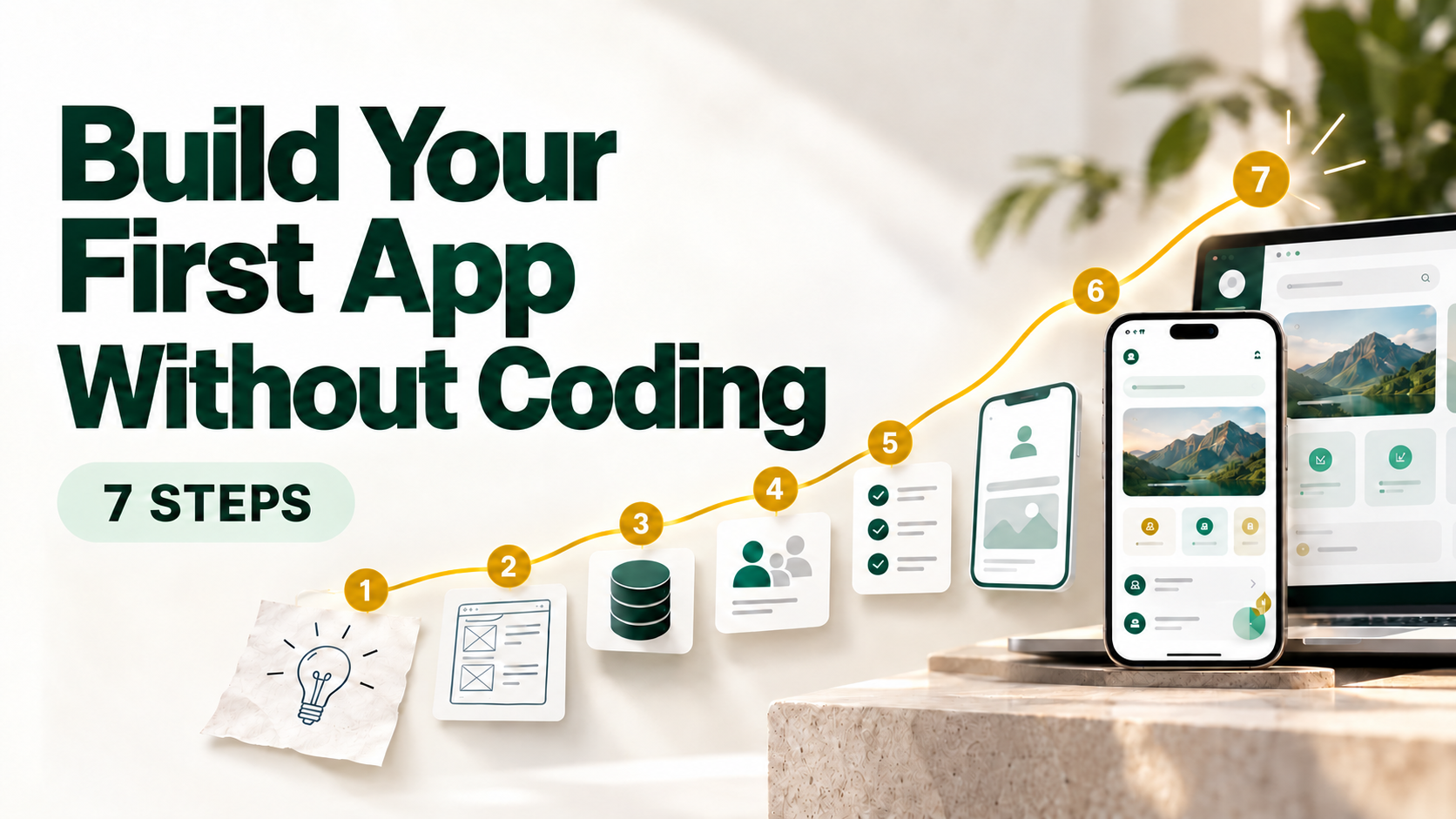
A non-tech person can launch a first app in two to four weeks. Define one problem, write a one-page spec, sketch the flow, build with an AI app builder or coding agent, connect a database, test with five real users, and launch small. The tools write the code. You supply the clarity.
Most first apps do not fail because of bad code. They fail because nobody could explain, in one sentence, what the app was supposed to do. That is a thinking problem, not a technical one, and non-tech people are often better at it than engineers.
Here is the exact process, with the tools that make each step easy.
Step 1: Pick one painful problem (Days 1-2)
Start with a problem someone already complains about, not with “I want to build an app.” Test it: can you name three people who would use it this week? Then write one sentence: “[Who] struggles with [problem]. This app helps them [outcome].” If it takes a paragraph, shrink the idea.
Step 2: Write a one-page spec (Day 3)
Your spec is your prompt, so the clearer it is, the better the build. Cover five things:
- Who the user is
- The one core action they take
- Three to five screens, maximum
- What data you need to store
- What is not in version one
Save it as a plain file called spec.md. Later it becomes your coding agent's instruction manual.
Step 3: Sketch the flow (Days 3-4)
Draw screens on paper, in Canva or in Figma. Or describe them to v0 by Vercel and get a clickable look in minutes. You are checking one thing: can a stranger get from the first screen to the outcome without help? Fix confusion here, where it costs nothing.
Step 4: Build, in two lanes (Weeks 1-2)
Lane A: AI app builders. Lovable, Bolt and Replit turn plain English into a working app with a live preview. Start here.
Lane B: coding agents. Claude Code and OpenAI Codex work inside your project folder, read the whole codebase and edit many files at once. Cursor does the same inside an editor. Move here when a builder starts looping or breaking things.
Habits that work in both lanes:
- Build one screen at a time, with one change per prompt
- Ask the tool to explain what it built in plain English
- Put your spec in the project as
CLAUDE.md(Claude Code) orAGENTS.md(Codex). The agent rereads it every session, so it stops forgetting your rules - Save to GitHub often. It is an undo button for your whole app
Think of yourself as the product manager and the tool as a fast, very literal developer.
Step 5: Connect the real plumbing (Week 2)
A pretty prototype is not an app. Pick one tool per layer:
| Layer | Easy pick | Level-up pick |
|---|---|---|
| Database and backend | Supabase (database, login, file storage) | Convex (live-updating data, TypeScript functions) |
| Login | Supabase Auth | Clerk |
| Payments | Stripe | Razorpay (India) |
| Resend | Resend plus n8n workflows | |
| Automations and AI agents | Zapier | Composio, n8n |
| Hosting | Your builder's built-in hosting | Vercel |
| Tracking and errors | PostHog | Sentry |
Building an AI feature? Composio gives your agent secure, ready-made access to Gmail, Slack, Notion and hundreds of other apps, which saves weeks of integration work. Agent frameworks such as Hermes Agent can then run those tasks on a schedule.
One non-negotiable on security: never paste secret keys into prompts or code. Store them as environment variables, and ask your tool to “enable row-level security so users only see their own data.”
Step 6: Test with five real users (Weeks 2-3)
Five is enough to expose most major problems. Do not explain the app. Hand it over, stay quiet and record the session with Loom or PostHog. Every pause is a design flaw. Fix the top three issues, then stop. Perfection is a form of procrastination.
Step 7: Launch small, then loud (Weeks 3-4)
- Ask Claude Code or Codex to audit the app for exposed keys, missing access rules and unchecked inputs. A second AI reviewing the first one's work is the cheapest security review you will ever get
- Deploy on Vercel (or your builder's hosting) and add a custom domain
- Add Sentry so errors alert you before users complain
- Launch to 20 to 50 people you already reach: LinkedIn, WhatsApp, your email list
- Track one metric in PostHog, such as signups or completed core actions
A small launch gives you real feedback while the stakes are low.
Four mistakes that quietly kill first apps
- Feature creep: every extra feature doubles testing, not value
- Skipping users: your opinion is not data
- Ignoring security: a leaked key becomes an expensive lesson
- No distribution plan: an app nobody hears about is a private hobby
Why this process has high ROI
A traditional agency build of a first version can cost thousands of dollars and take months. This route typically costs a few monthly tool subscriptions and a few weeks of focused evenings. More important, you learn whether the idea works before spending serious money, and every future idea gets cheaper to test.
FAQ
Can I build an app without knowing how to code?
Yes. App builders and coding agents generate the code from plain English. You still need to think clearly about the user, the problem and the flow.
How long does it take?
Two to four weeks for a focused first version, working part-time.
When do I need a developer?
When you hit scale, complex integrations or serious security needs. By then you will have users and proof, which makes hiring far easier.
Your next step
Write your one-sentence problem statement today. Everything else follows from it.
PS: Not sure an idea is worth building? Run it through Steps 1 and 2 before you open any tool. Ten minutes of clarity beats ten hours of rebuilding.