

Your First 90 Days When AI Is on the Team
A practical 90-day plan to map what agents, people and nobody own, automate one task, measure the time saved and make your revenue impact visible.
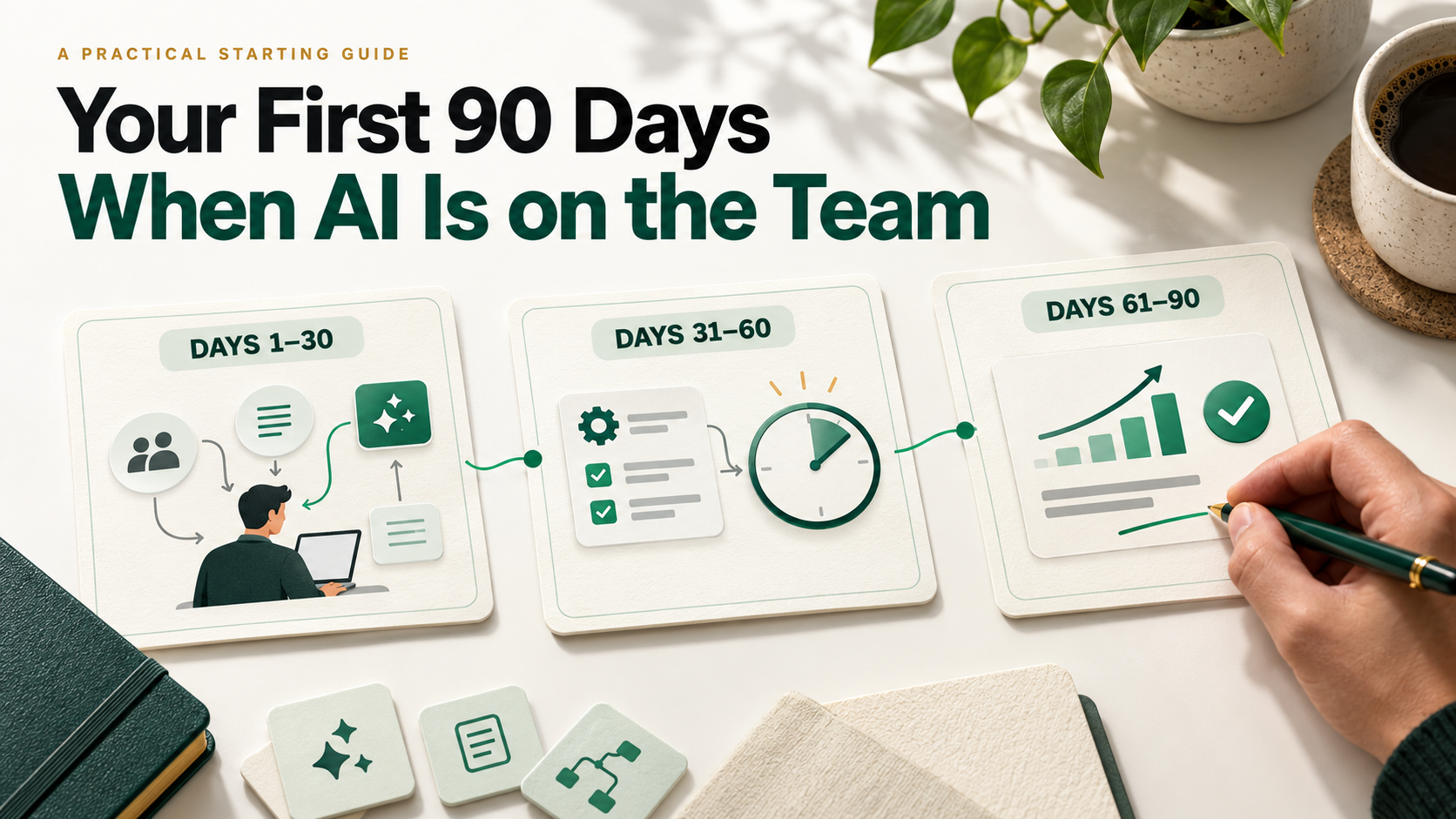
Picture day one. Your manager says, “Here’s your laptop, your login and the team.” The team is two people, three agents and a dashboard. By 11am, an agent has drafted the weekly report you planned to impress everyone with.
Every hiring guide ends at the offer letter. None explain what comes next. The good news: whoever works out the human-plus-agent system first becomes the person everyone asks. 90 days is enough.
What you walk away with
- A one-page map of what to own, by week 2
- One automation, live and measured, by day 60
- A four-line impact note your manager will forward, at day 60 and 90
- A number: roughly ten working weeks a year handed back to you
The rule behind all of it: you are not hired to compete with the agents. You are hired to own what they can’t.
The ROI, in hours
The small tasks that once trained juniors are the first ones agents take, so you are expected to add value faster. One automated weekly task buys back real time. Illustrative math, swap in your own:
| Task you automate | Before | After | Saved per year |
|---|---|---|---|
| Weekly performance report | 3 hrs | 20 min | ~139 hrs |
| Lead tagging and routing | 2 hrs | 15 min | ~91 hrs |
| Call-note summaries | 4 hrs | 30 min | ~182 hrs |
That is about 412 hours, roughly ten 40-hour weeks, redirected to work that moves revenue.
Days 1–30: Find the work nobody owns
You can’t pick what to own until you know what’s owned. Build the agents / people / nobody map in your first two weeks, using conversations and tool settings.
| Agents own | People own | Nobody owns |
|---|---|---|
| First-draft emails, report pulls, call summaries | Pricing calls, key accounts, brand judgment | Checking agent output, fixing wrong lead scores, reconciling dashboards that disagree |
The third column is your job security. Each item is work with a cost and no owner.
The error log (copy this). For one week, review every agent output in your area and log it in a sheet or Notion table. Columns: output, right / wrong / risky, cost of the miss, who fixed it. A voice agent on inbound calls, for example, may nail the script and still miss the caller about to churn. Each pattern you log is a lane you can own.
Tools to learn now: what the team already runs (a CRM assistant like HubSpot Breeze, Gong or Fireflies for calls, Looker Studio for dashboards), plus ChatGPT or Claude for analysis.
Ask your manager once: “What would make hiring me the right call in 90 days?” Write the answer word for word. It is your scorecard.
Takeaway: By day 30 you know where agents fail and what success means, which most new hires never find out.
Days 31–60: Automate one task and prove the return
Pick the task with the RAT test: Repeats weekly, Automatable (rule-based), Tolerable if it goes wrong. Score each candidate 1–3 on each letter and take the highest total.
| Use case | Stack | Effort |
|---|---|---|
| Weekly performance report | Looker Studio or Sheets, plus Claude or ChatGPT to write the summary | Low |
| Lead tagging and routing | CRM workflow plus an AI classification step in Zapier, Make or n8n | Medium |
| Call-note summaries to CRM | Fireflies or Gong, pushed into the CRM by automation | Low |
| Competitor and news digest | Scheduled search, summarised by Claude, posted to Slack | Low |
A prompt to start with: paste last week’s numbers into Claude or ChatGPT and say: “Write a five-line summary for my manager: what changed, why, one risk, one action. Plain words, no hype.” Edit it for two weeks, then automate it.
Then prove the return: ROI = hours saved per year ÷ hours spent building. If the report took 6 hours to automate and saves about 139 a year, that is roughly a 23x return on your time.
The saved hours are an investment, not a gift. Decide first where they go: one more customer conversation a week, one more experiment, or the analysis nobody had time for.
Takeaway: Automating is the easy half. Redeploying the time is what makes you look indispensable.
Days 61–90: Make the impact visible
The dashboard shows what the agents did. It doesn’t show what you did. At day 60, send your manager this note (fill the brackets):
Learned: [the map, plus the orphaned work I found]
Automated: [task], saving [x] hours a week
Freed: [what I did with the time]
Moved: [the metric that changed, even slightly]
Example: “Automated the weekly report, saving 2.7 hours a week. Used the time to call 3 churn-risk accounts. 1 renewed.”
At day 90, send it again with a fifth line, own next: pick an item from the nobody column and ask for it. That is your expansion pitch, and it is how raises and bigger scope start.
Five things to remember
- Map before you build. The nobody column is where you matter.
- Log agent errors for a week. They are your job description.
- Automate one task with the RAT test, then measure the hours.
- Spend the saved time on revenue work, and say so.
- Send the four-line note at day 60 and 90, before anyone asks.
Avoid: hiding your AI use, trusting output blindly, and competing on speed. You can’t out-type an agent. Compete on context, taste and relationships.
The bottom line
The old first 90 days proved you could do the job. The new ones prove you can run a job that machines share, and make the whole thing better. The job isn’t doing what AI does. It’s owning what it can’t.
PS: Do the map exercise in your interviews. Ask: “What do your agents handle today, and what’s still unowned?” Almost nobody does, and the answer tells you if the job is worth taking.