

Ship Your First App This Weekend: An Execution Guide for Product Marketers
Build and launch a working ROI calculator in one weekend with a validated formula, copy-ready prompts, CRM integration, testing checklists and a 90-day measurement plan.
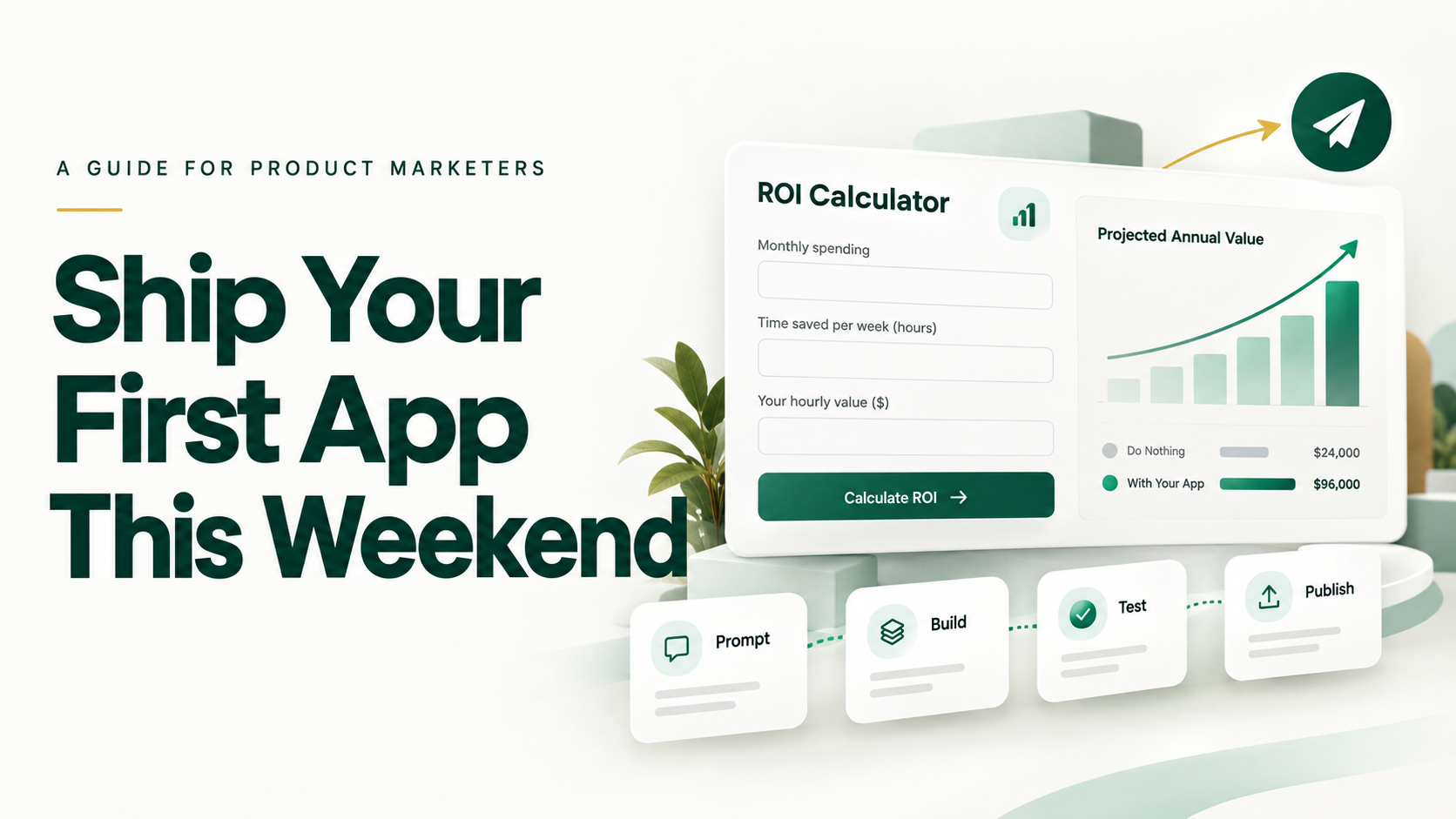
Last updated: September 2026 | Reading time: 7 minutes | Time to execute: 8 hours
Sales keeps asking for an ROI calculator. Engineering says next quarter. This guide shows you how to build it yourself in one weekend, step by step, with prompts you can copy, a worked formula, and checklists for every stage.
The Quick Answer
Product marketers can build working apps with vibe coding: describing an app in plain English and letting AI tools such as Lovable, Replit, or Bolt.new build and publish it. Your job is to supply a clear brief, validated numbers, and good testing. The AI handles the code.
Before You Start: 30-Minute Setup
Complete this checklist before the weekend.
- Create a builder account: Lovable, Replit, or Bolt.new. Pick one; the free tier is enough to prototype.
- Create a Supabase account to store leads. Most builders connect to it in a few clicks.
- Create a Zapier account to send leads to your CRM.
- Confirm CRM access: you'll need permission to create leads or a web form in HubSpot, Salesforce, or your CRM.
- Collect brand assets: logo file, two or three brand hex codes, and your font name.
- Get approval: send IT or security a two-line note explaining what data you'll collect (name, work email, company) and where it will be stored.
- Book reviewers: 30 minutes on Sunday with one sales leader and one finance or RevOps contact.
Step 1: Choose What to Build (15 minutes)
Ask five sales reps: "Which buyer question do you struggle to answer quickly?" Match the most common answer to an app:
| Most common answer | Build this |
|---|---|
| "What will this save us?" | ROI calculator |
| "Are we ready for this?" | Readiness assessment |
| "How are you different from X?" | Battlecard finder (internal) |
This guide uses the ROI calculator, the fastest path to revenue.
Step 2: Write the Brief and Validate the Formula (Friday, 1.5 hours)
Worked example: a company selling AI software that reduces customer support handling time.
Problem: Prospects can't quantify the value of our product during evaluation. Users: Heads of customer support at mid-market companies. Inputs: Number of agents, average hourly cost per agent, working hours per agent per month. Assumption: 20% reduction in handling time, based on our median customer result. Formula: Annual savings = agents × hourly cost × monthly hours × 20% × 12 Outputs: Annual savings, payback period, and a current-versus-projected cost chart. Lead capture: Full report unlocks after name, work email, and company are submitted.
Sanity-check the math by hand: 20 agents × $25/hour × 160 hours × 20% × 12 = $192,000 annual savings At a product cost of $3,000/month, payback = $36,000 ÷ $16,000 in monthly savings = about 2.3 months
Before moving on: Confirm the 20% assumption with finance or customer success. Use your median customer result, not your best one.
Step 3: Build the First Version (Saturday, 2 hours)
Paste this prompt into your builder, replacing the bracketed parts:
"Build a single-page ROI calculator web app for [product category]. Inputs: [input 1], [input 2], [input 3], each with a tooltip explaining it. Formula: [paste your formula]. Outputs: annual savings, payback period, and a bar chart comparing current and projected costs. Show annual savings immediately. Unlock the detailed report after the user submits name, work email, and company. Design: clean, professional B2B style, mobile-friendly. Brand colors [hex codes], font [name]. Add our logo at the top. Include a footnote: 'Estimates are based on the inputs provided and median customer results.'"
Then check the first version against three questions:
- Does the math match your hand calculation?
- Does it work on your phone?
- Is the lead form required before the full report appears?
Step 4: Refine With Targeted Prompts (Saturday, 2 hours)
Change one thing per prompt. Use these as needed:
- "Add a 'Download report as PDF' button."
- "Reject email addresses from gmail.com, yahoo.com, and outlook.com."
- "Format all currency with thousand separators and no decimals."
- "Add a 'Talk to an expert' button below the report that links to [calendar URL]."
When something breaks, use this prompt:
"[Describe the problem, e.g., 'The chart doesn't appear after clicking Calculate.'] Find and fix only this issue. Do not change anything else."
If a fix makes things worse, use your builder's version history to roll back to the last working version rather than piling on more prompts.
Step 5: Connect Leads to Your CRM (Sunday, 1.5 hours)
- Store leads: Prompt your builder: "Save each form submission to Supabase with name, email, company, all inputs, and calculated savings."
- Create a Zap: Trigger = new row in Supabase. Action = create or update a contact in your CRM.
- Map the fields: Include calculated savings as a custom field so sales sees it on the contact record.
- Alert sales: Add a second action that posts high-value leads, for example savings above $100,000, to your sales Slack channel.
- Test end to end: Submit three test entries and confirm each one appears in your CRM with the correct data.
Step 6: Test Before Launch (Sunday, 1 hour)
- Enter five real customer scenarios and confirm the outputs are close to their actual results
- Try invalid inputs, such as zero, negative numbers, and letters, and confirm the app handles them cleanly
- Test on mobile, tablet, and desktop
- Confirm personal email addresses are rejected
- Get sign-off from your sales leader and finance or RevOps reviewer
Step 7: Launch and Distribute (Sunday, 30 minutes)
- Publish to a subdomain such as roi.yourcompany.com (ask your web team to add the DNS record)
- Add a link on your pricing page and relevant product pages
- Share a two-line Slack message with sales explaining when to use it
- Add it to email signatures and one nurture email
- Mention it in your next LinkedIn post
Step 8: Measure for 90 Days
| Metric | Where to find it | Review |
|---|---|---|
| Submissions | Supabase | Weekly |
| Lead-to-opportunity rate | CRM | Monthly |
| Days to proposal, with and without the tool | CRM | Monthly |
| Win rate for tool users compared with non-users | CRM | Quarterly |
| Rep usage | Link clicks or UTM tags | Monthly |
Simple ROI rule: If the app influences even one additional closed deal, it has likely repaid the weekend you spent building it.
What to Build Next
Once your first app is live, reuse the same process with these prompts:
- Readiness assessment: "Build a 10-question assessment that scores [capability] maturity from 1 to 5, shows three tailored recommendations, and captures a work email before showing results."
- Battlecard finder: "Build an internal tool where reps choose a competitor and an objection and see our approved response and proof points from this table: [paste]."
Frequently Asked Questions
Do I need coding experience? No. You need a clear brief, validated numbers, and patience to test.
How much does it cost? Free tiers cover prototyping. Publishing usually requires a modest monthly plan. Check current pricing.
When should engineering take over? When the app becomes business-critical, handles sensitive data at scale, or needs complex integrations.
Your Execution Checklist
- This week: Ask five reps the buyer-question prompt and complete the setup checklist
- Friday: Write the brief and validate the formula
- Saturday: Build and refine
- Sunday: Connect, test, and launch
- Day 90: Review the scorecard and decide what to build next